One-time for 1 person
Level
Level
Time to Complete
Lessons
Language
English
Rating
(
0 Review)
Updated:
Feb 2, 2026Complete UI/UX Design with Canva
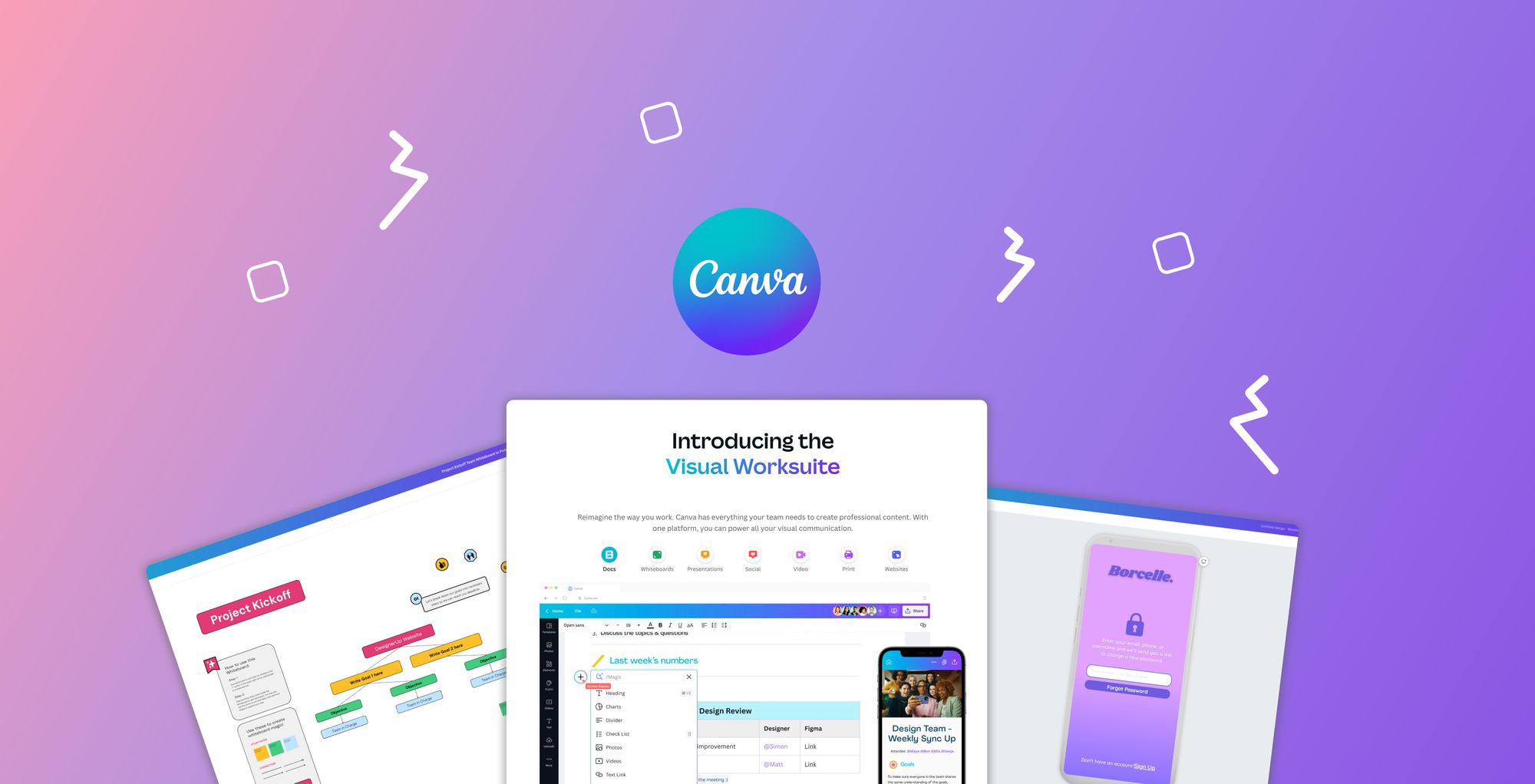
Have you ever wondered how to design a beautiful, user-friendly mobile app or website, but felt intimidated by complex software like Figma or Adobe XD? This course is your perfect starting point! We will demystify the world of UI (User Interface) and UX (User Experience) design and show you how to create stunning designs using a tool you already know and love: Canva.
This course is designed for absolute beginners with zero prior experience in design. Forget the steep learning curve of traditional design tools—we’ll use Canva’s intuitive features to teach you the fundamental principles of design thinking, user research, wireframing, and creating high-fidelity prototypes. By the end of this course, you won’t just be a Canva user; you’ll be a confident UI/UX designer with a portfolio-ready project.
Why Canva for UI/UX Design?
Canva isn’t just for social media and presentations—it’s a powerful, free platform that’s rapidly being adopted by startups, marketers, and freelancers for UI/UX design. Its intuitive interface and vast design library make it ideal for rapid prototyping, mockups, and interface presentation
Enrolled by
What You’ll Learn?
Course Syllabus
Section 1: Introduction
Certification
Choose from a list of project topics or create your own project idea that incorporates all skills learned (e.g., a mini-banking system, personal expense tracker, or inventory manager).
Meet Your Instructor

Student Review
(
0 review)
Similar Courses
by
Academic Council Team
Adobe Photoshop Course from Basic to Advanced for Graphics
by
Academic Council Team
Intro to ChatGPT and Generative AI
by
Academic Council Team
Figma to wordpress
One-time for 1 person
Level
Time to Complete
Lessons
Language
English
Rating
(
0 Review)

Start your journey with us
Interactive courses designed to take your skills to the next level, anytime, anywhere
