
One-time for 1 person
Level
Level
Time to Complete
Lessons
Language
English
Rating
(
1 Review)
Updated:
Feb 2, 2026WordPress Crash Course
WordPress is a great tool to have in your back pocket if you want to build professional websites. This course will show you exactly how.
Get up and running with this easy-to-follow guide for everything you need to know about WordPress – from installing your first blog to maintaining it after launch.
It not only covers the conceptual framework of a WordPress-based system but also covers the practical aspects of building a modern website or a blog.
You will start with WordPress building blocks and Installation and follow it with the theory of Content Management. You will then learn the major building blocks of the WordPress Admin Panel.
The next part will teach you about Posts, pages, and Forums. Plugin Management is the next unit that will guide you through adding cool galleries and videos to your Website or Blog. You will also get to know about SEO and Meta tags.
The last part of this course will be about themes that make your site looks professional and give it the design you like. You will also learn to customize your own themes.
Enrolled by
What You’ll Learn?
Course Syllabus
Section 1: Introduction & Overview
Section 2: Installation of XAMPP & WordPress
Section 3: Content Management System (CMS)
Section 4: Customization with Plugins and Themes
Section 5: Installation of Elementor & Tool Management
Section 6: Conclusion
Certification
Choose from a list of project topics or create your own project idea that incorporates all skills learned (e.g., a mini-banking system, personal expense tracker, or inventory manager).
Meet Your Instructor

Student Review
(
1 review)

Similar Courses
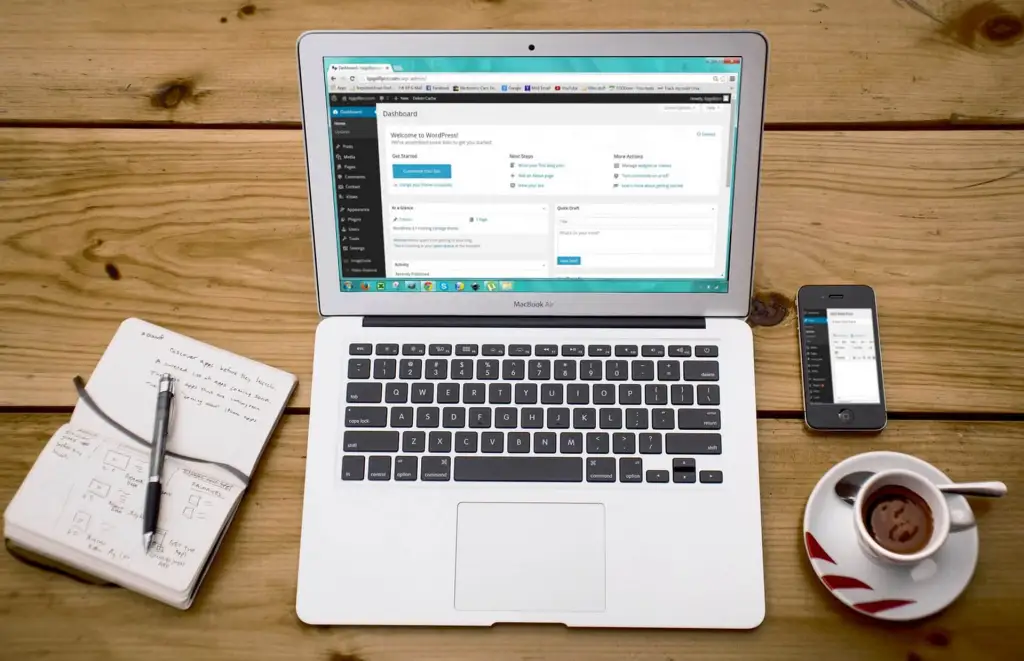
by
Academic Council Team
WordPress for Absolute Beginners
by
Academic Council Team
Intro to ChatGPT and Generative AI
by
Academic Council Team
Figma to wordpress
One-time for 1 person
Level
Time to Complete
Lessons
Language
English
Rating
(
1 Review)

Start your journey with us
Interactive courses designed to take your skills to the next level, anytime, anywhere
